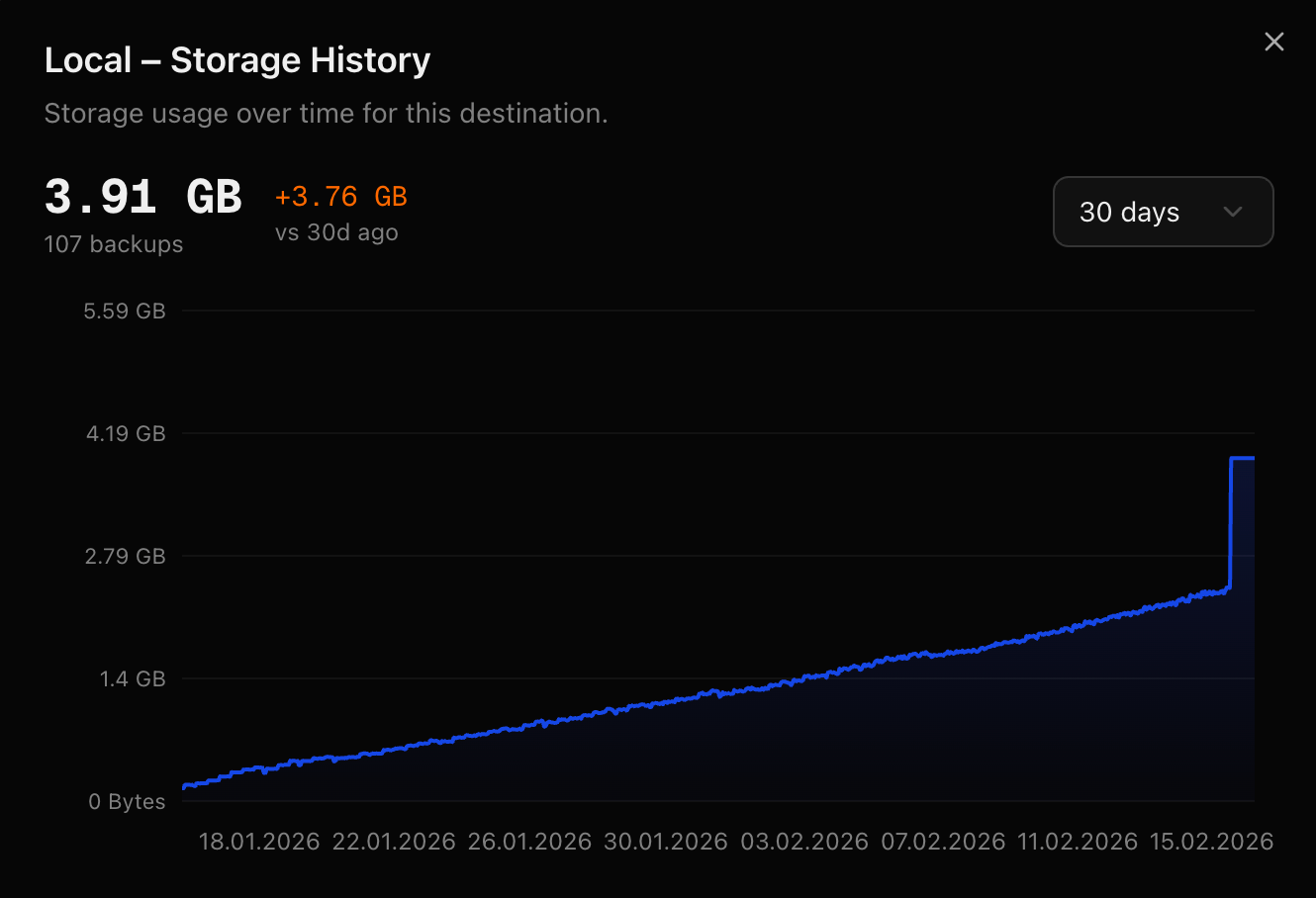
Screenshots
A visual overview of all DBackup interfaces and features.
Demo Video
Watch DBackup in action - creating a backup job and restoring a database.
Dashboard
The main dashboard displays current statistics, recent activity, and system status.
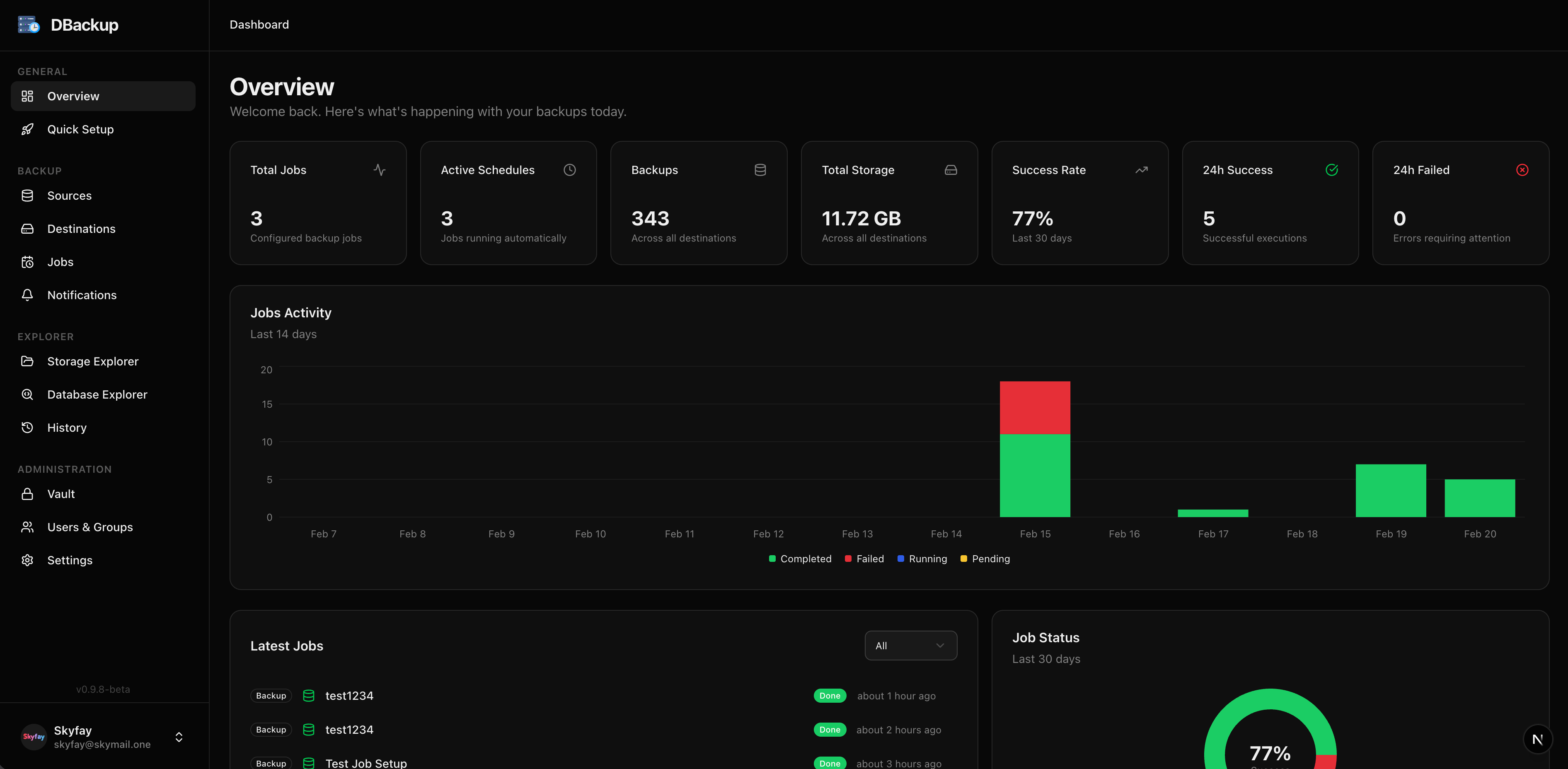
Light Mode
DBackup supports both Dark and Light themes.
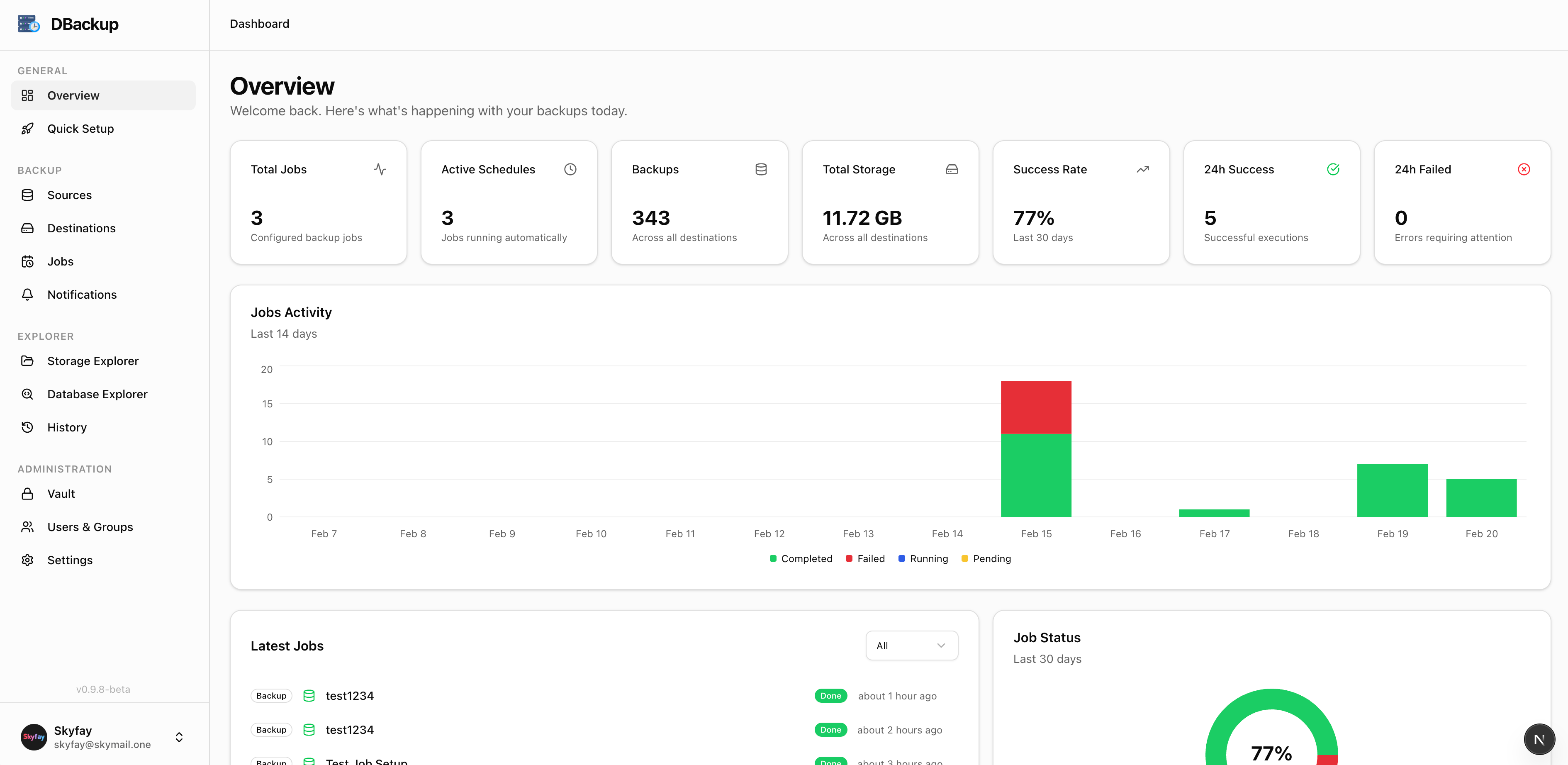
Backup Jobs
Manage your backup jobs with scheduling, compression, and encryption options.
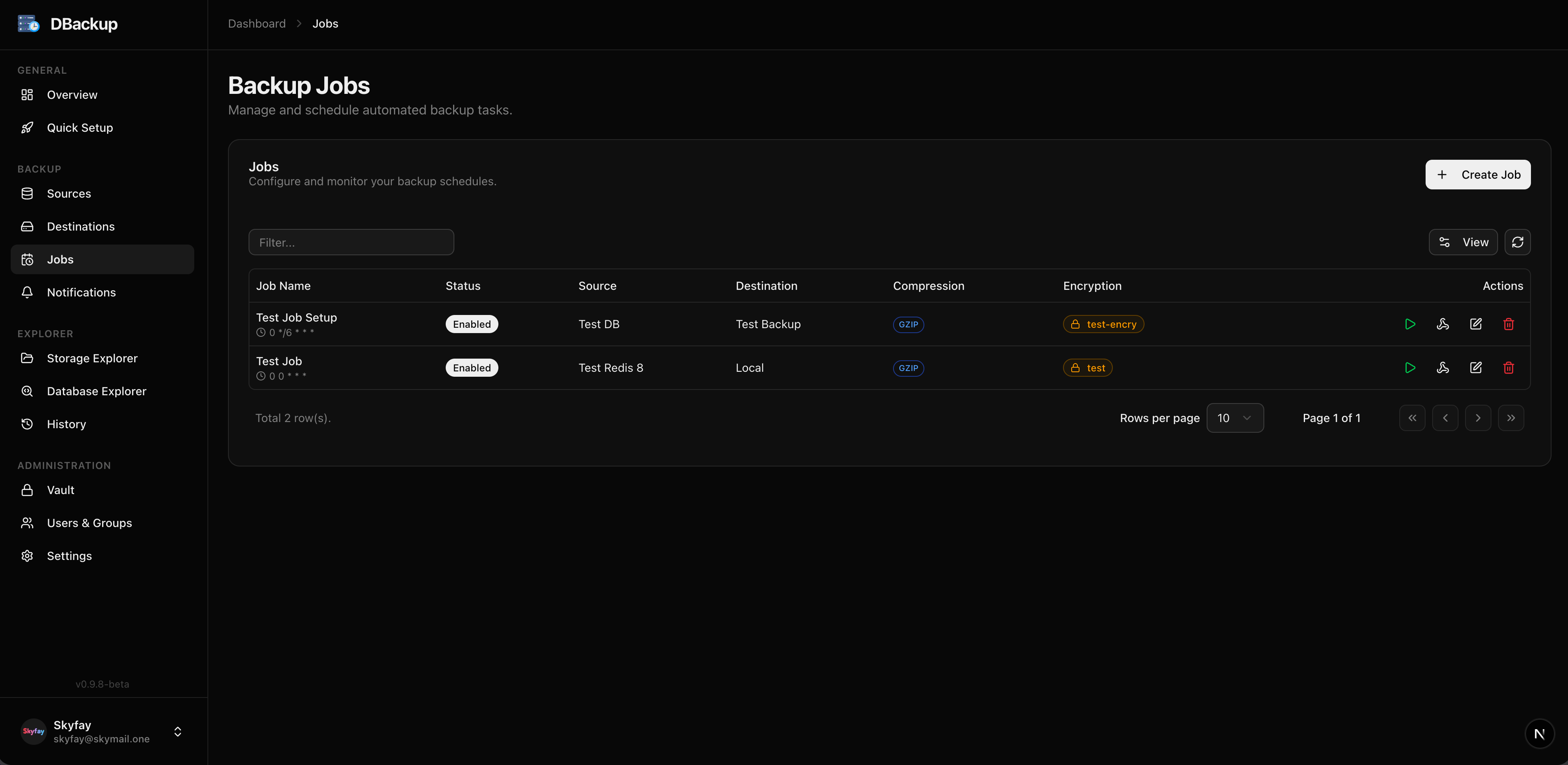
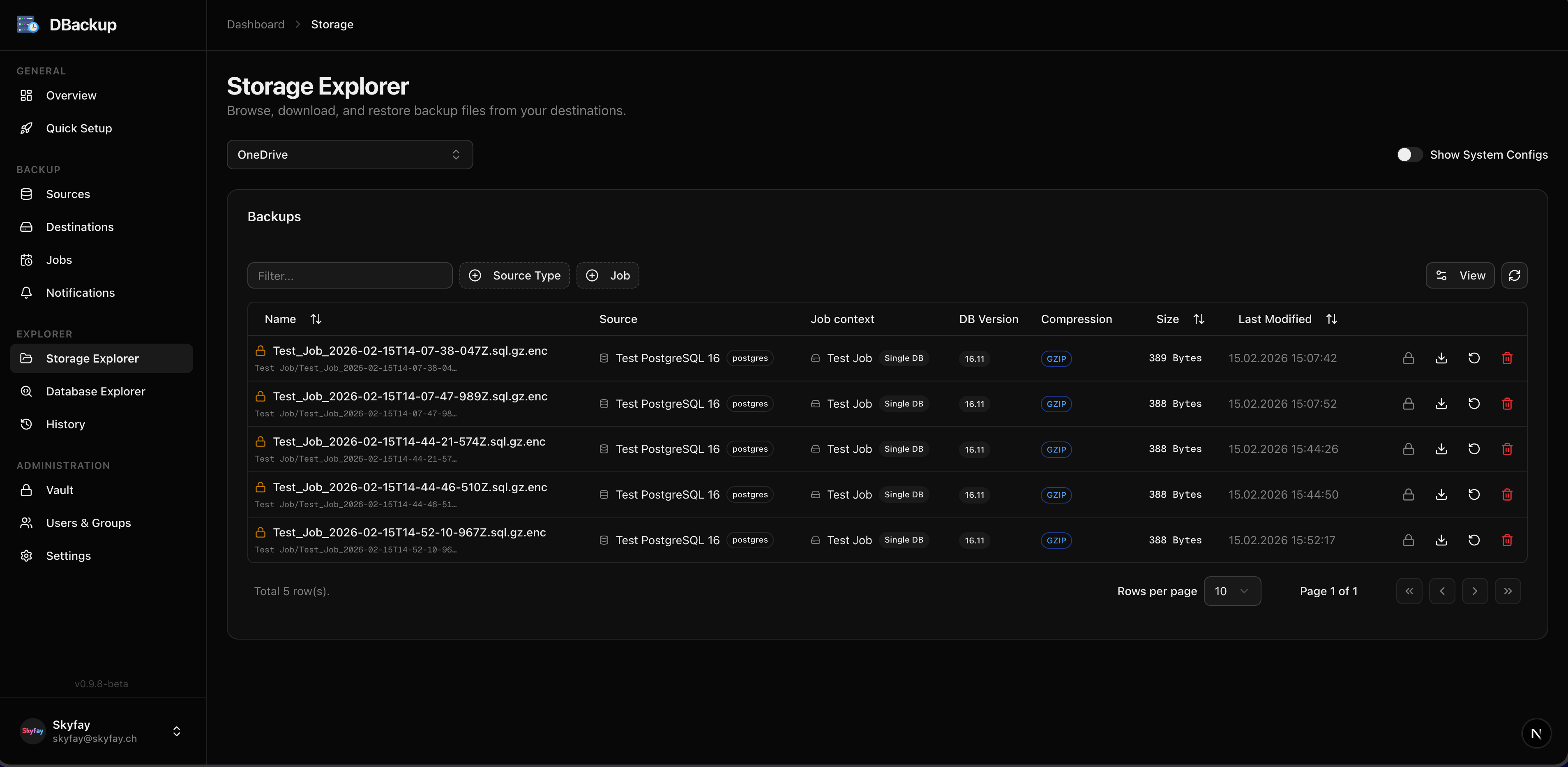
Backups
Browse your backups, download files, or restore databases directly from the UI.
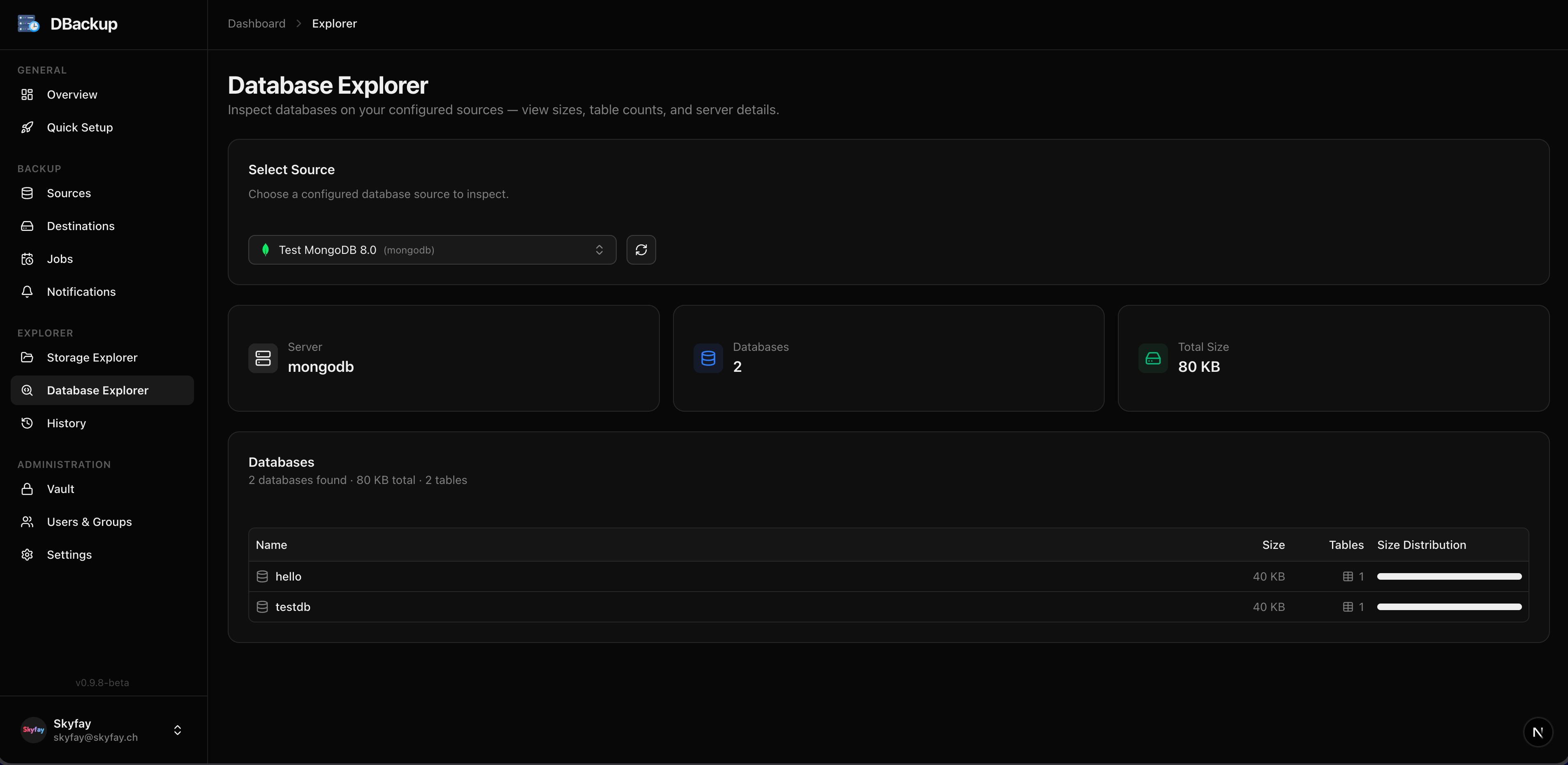
Database Explorer
View and manage your database sources with connection details and health status.
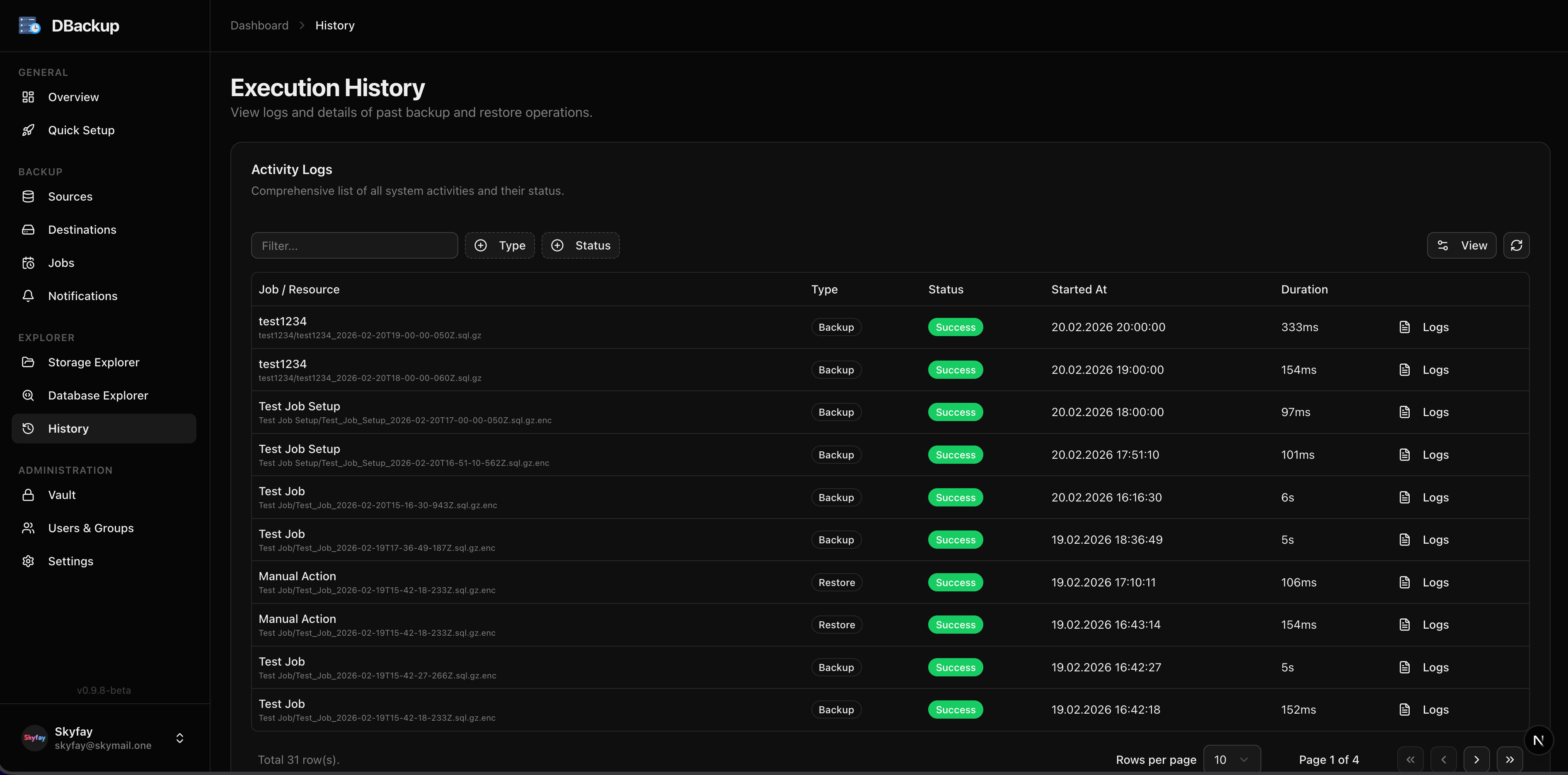
Execution History
Detailed logs and history of all backup and restore operations.
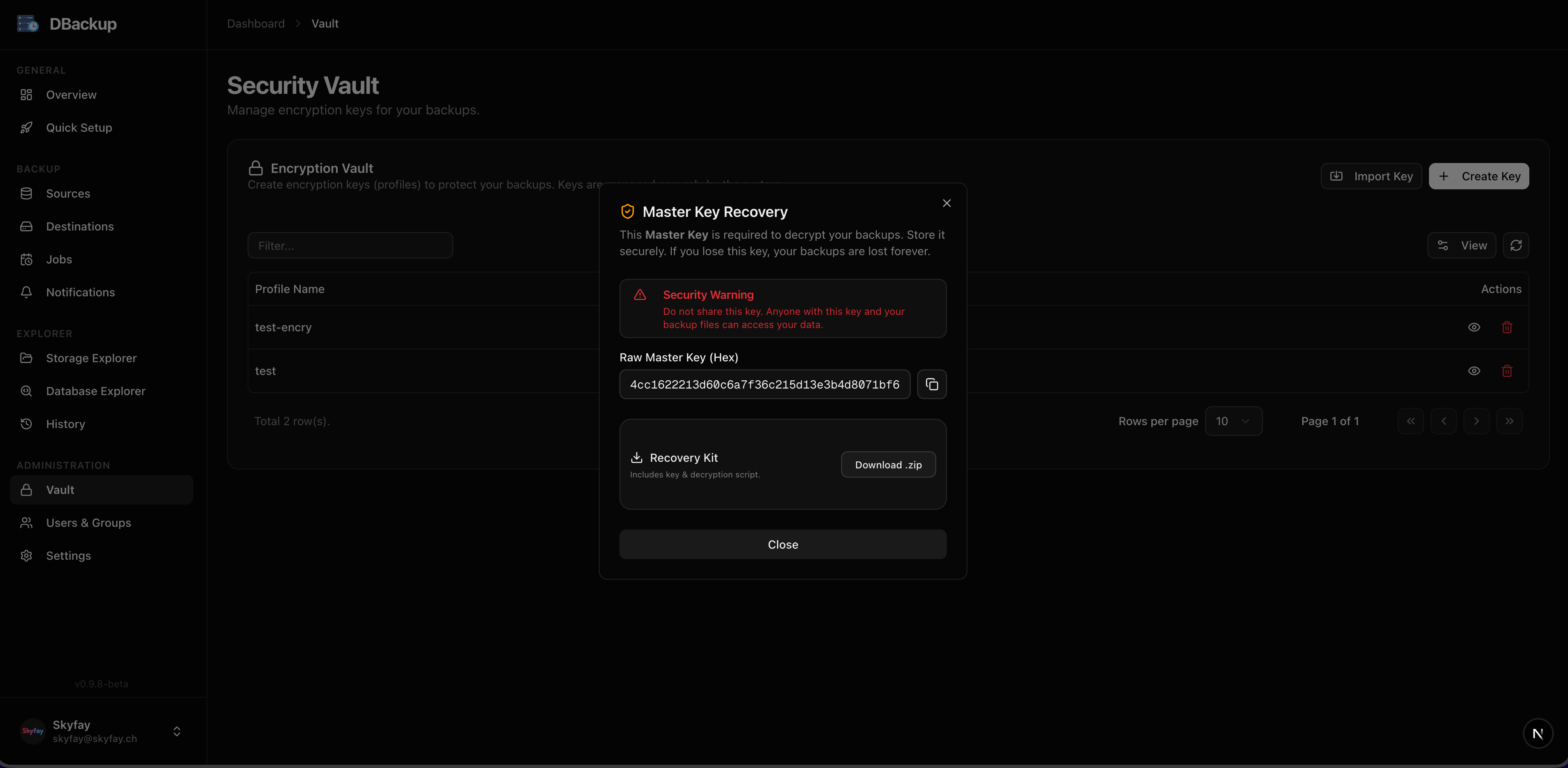
Encryption Vault
Manage encryption profiles and download offline Recovery Kits.
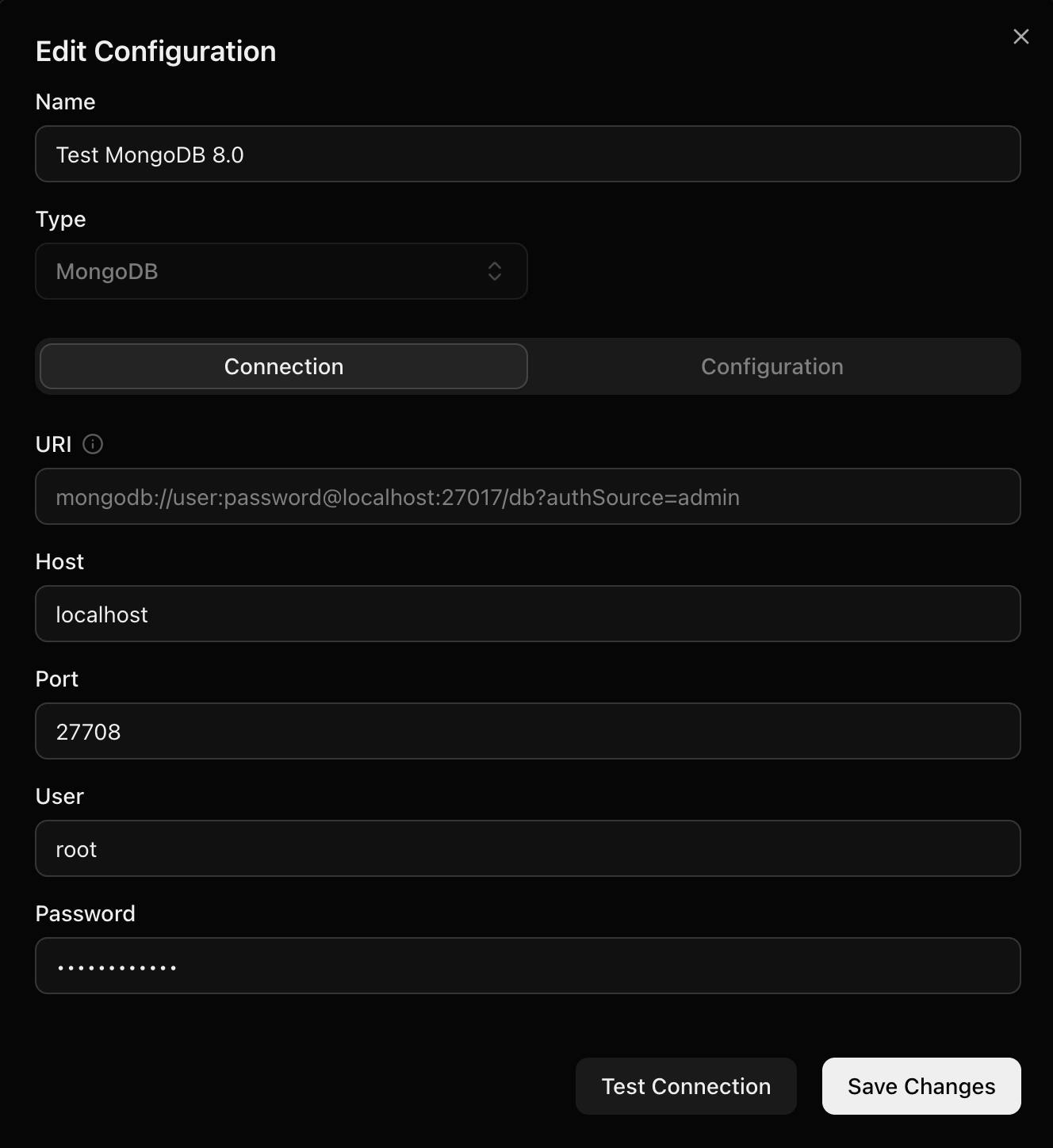
Adapter Configuration
Configure database sources and storage destinations.
Users & Groups
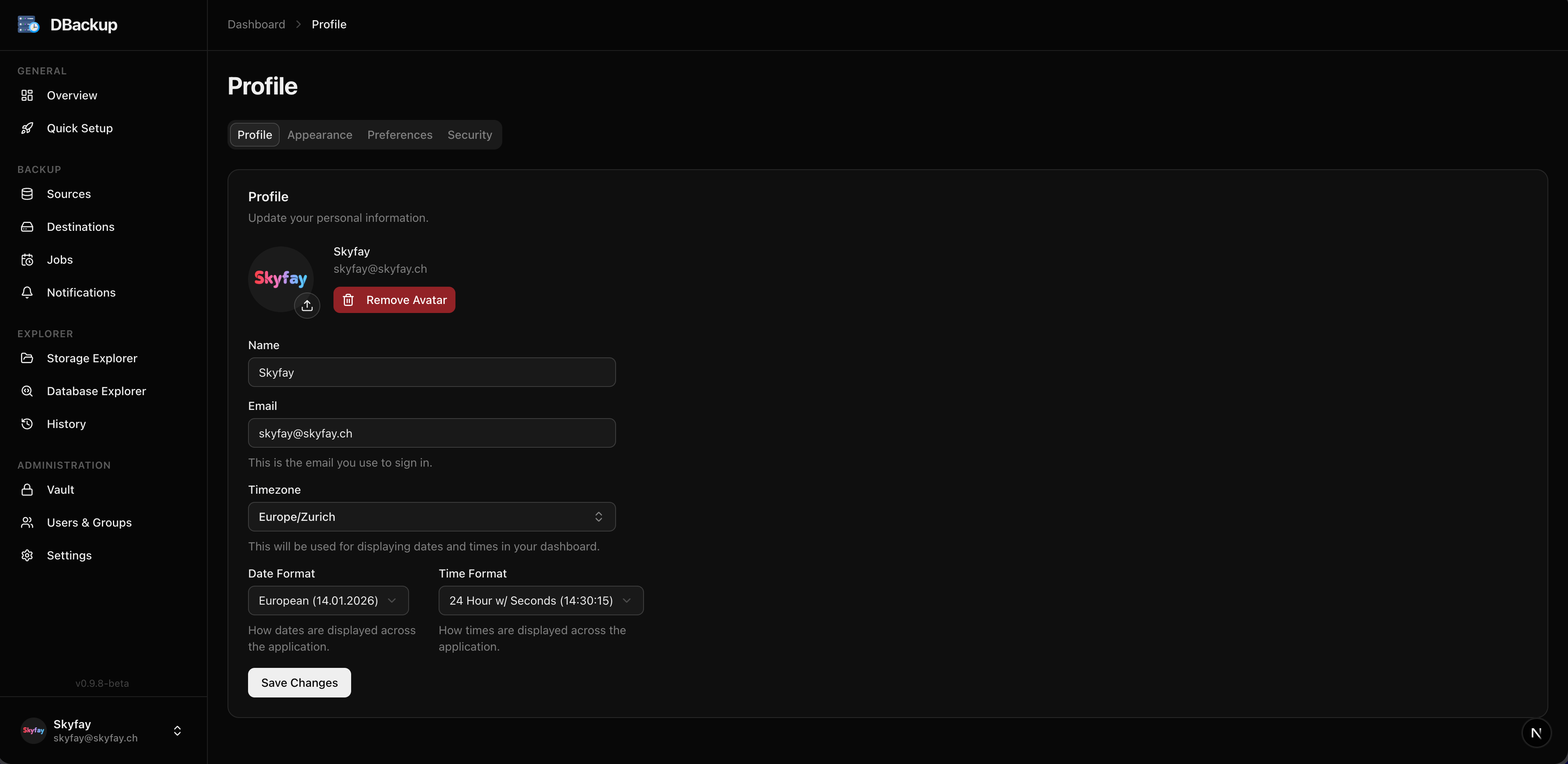
User Profile
Profile page with avatar, email, and security settings.
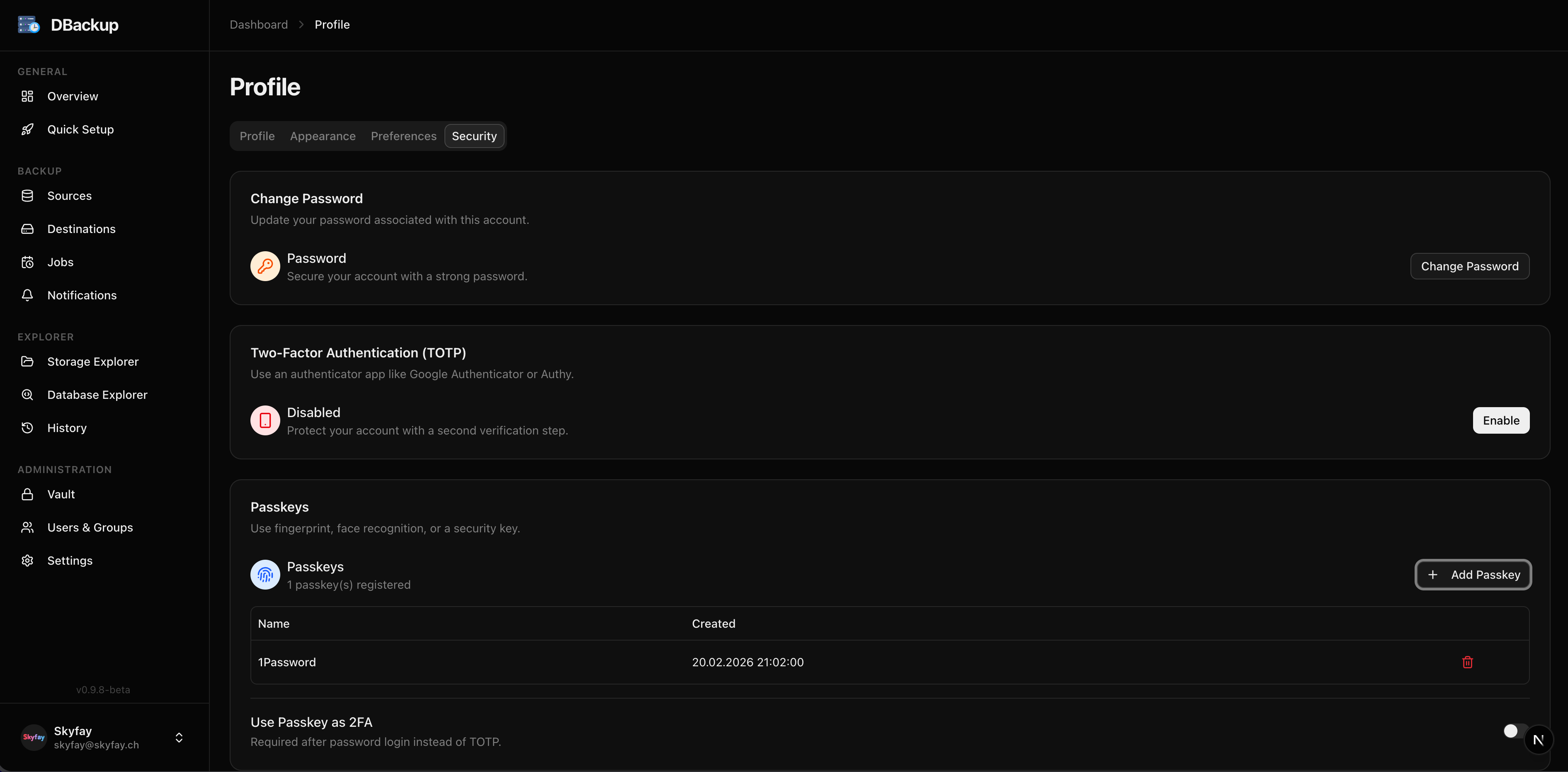
Security Settings
Two-factor authentication, passkeys, and connected SSO providers.
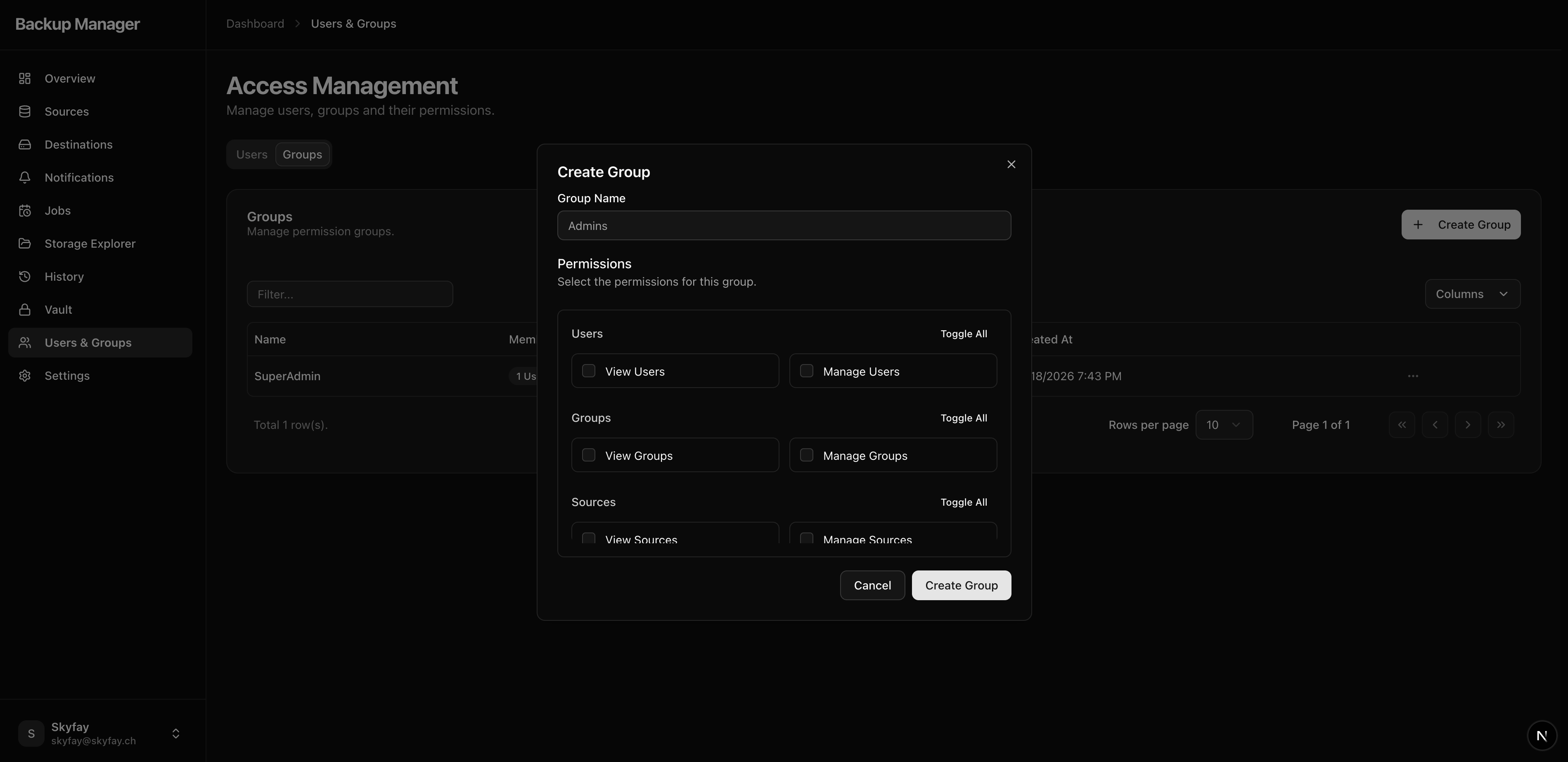
Group Permissions
Granular permissions for user groups (RBAC).
Analytics
Storage Analytics